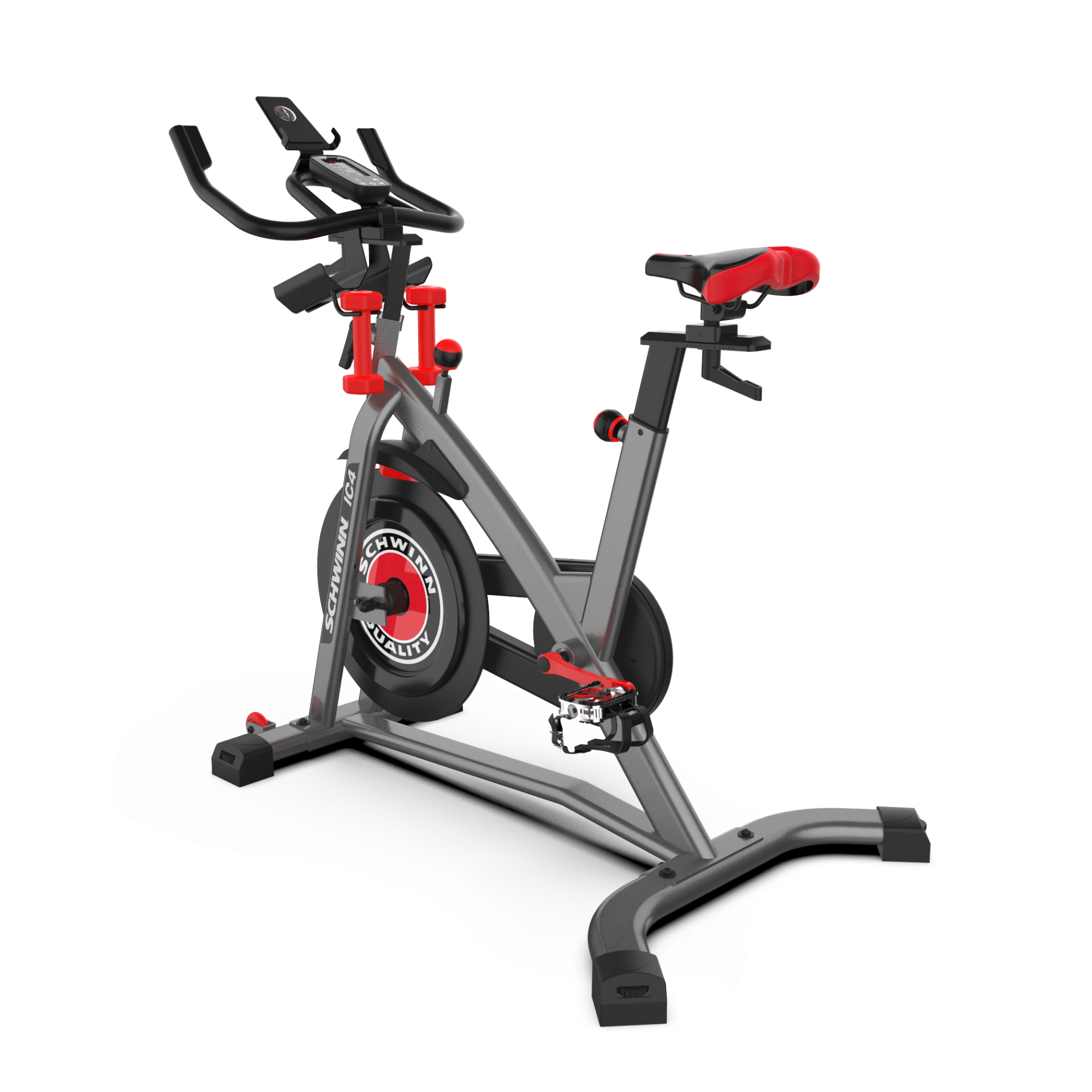
Connect your IC4
To connect your IC4 bike to popular cycling apps, select the app name below

Connect to Peloton
Step 1
Make sure Bluetooth® wireless connectivity is activated on your Apple® device (phone or tablet), then launch the Peloton® app.
Step 2
Press the Bluetooth® button on your bike console.
Step 3
Open the Peloton® app., choose a cycling program, and press start.
Step 4
Press the Connected Devices button on the right side of the screen.
Step 5
Press Cadence.
Step 6
Select your machine when it appears on the list (this may take a few moments).
Step 7
Touch anywhere else on the screen to go back to the program. Cadence will now show on the screen.

Connect to Zwift
Step 1
Make sure Bluetooth® is activated on your device (phone or tablet), then launch the Zwift® app.
Step 2
Press the Bluetooth® button on your bike console.
Step 3
Press the POWER SOURCE button in the Zwift® window.
Step 4
Once your device has found the bike, press OK.
Step 5
Success! You're all set. Press LET'S GO.
Bonus
For added functionality, choose HEART RATE and CADENCE to feed more data to Zwift®. Note that HEART RATE will require a BLE heart rate device.